
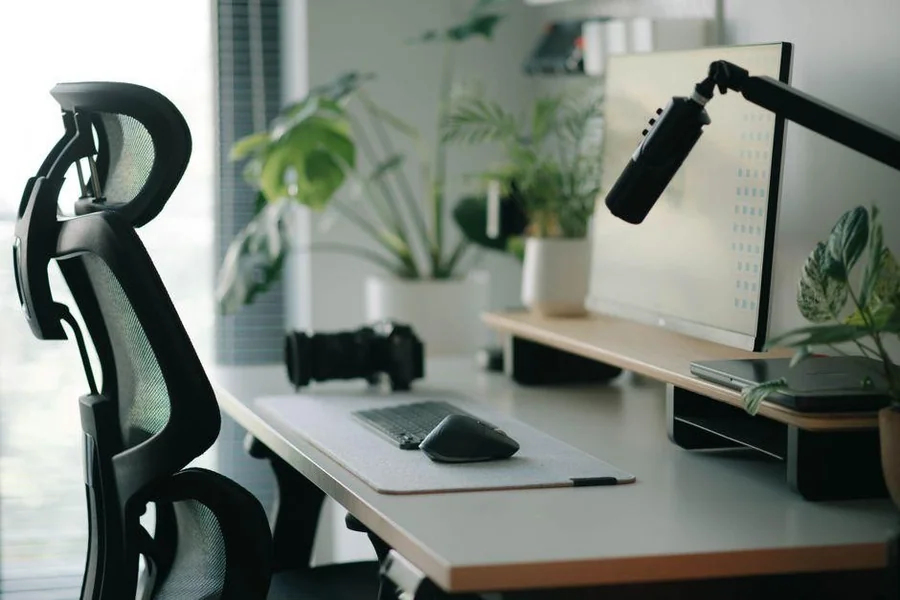
In today’s digital age, more than ever, many find themselves glued to desks for extended hours. However, not everyone realises that lingering discomfort might be attributed to poor desk setup. Subtle signs of poor desk ergonomics often emerge slowly, affecting physical health without immediate, noticeable symptoms.
The Importance of Desk Height
One primary indicator of poor desk ergonomics is the improper height of your desk. A desk set too high or too low can lead to persistent strain on your arms and shoulders. When seated, your elbows should ideally form a 90-degree angle, allowing your forearms to rest comfortably on the desk.
If your desk is too high, you may find yourself raising your shoulders in awkward positions, which could result in tension and discomfort over time. Conversely, if the desk is too low, it can cause slouching, contributing to back pain and long-term postural problems.
Chair Support and Adjustability
A well-designed chair is crucial to maintaining good posture and supporting the body. Signs of poor desk ergonomics often manifest when your chair lacks proper lumbar support or is not height-adjustable. A chair with good lumbar support helps maintain the natural curve of the spine, significantly reducing the risk of lower back pain. Furthermore, if your feet are not flat on the floor or a footrest, the incorrect leg angle can cause discomfort and circulation issues. Ensure your chair’s height is such that your feet can rest flat, which is conducive to improved circulation and comfort.
Monitor Placement and Eye Strain
Inadequate monitor placement frequently contributes to eye strain and neck discomfort. Monitors placed too high or low can force the user to tilt their head, leading to neck strain, which can manifest in tension headaches. Position your monitor about an arm’s length away and ensure the top of the screen is at or just below eye level. This setup ensures your neck and eyes remain in a neutral position and reduces the risk of developing chronic eye strain or neck pain.
Improper Keyboard and Mouse Position
The layout of your keyboard and mouse plays a pivotal role in determining ergonomic comfort. One of the less obvious signs of poor desk ergonomics is the subtle discomfort in your wrists, which can indicate that your input devices are improperly placed. Ideally, your keyboard and mouse should be on the same surface and within easy reach without causing strain. If you find it necessary to extend or elevate your wrists continuously, it could lead to conditions such as carpal tunnel syndrome. Consider wrist-supportive accessories such as a wrist rest to maintain a neutral wrist position.
The Lack of Regular Breaks
Frequent breaks from sitting are crucial but often overlooked when discussing desk ergonomics. Continuous sitting without breaks is a common sign indicating a misjudgement in ergonomic balance. Remaining sedentary for prolonged stretches can lead to muscle stiffness and reduced circulation. Incorporate regular breaks to stand, stretch, and move around every 30 minutes or so to promote physical health and improve concentration and productivity. Even brief pauses to stretch or take a few steps can significantly impact your overall well-being.
Persistent Discomfort or Pain
Chronic pain or discomfort is a clear sign that your desk arrangement needs reassessment. This could manifest as persistent headaches, back pain, or fatigue throughout the workday. Often, making simple adjustments to your chair height, desk level, or monitor placement can alleviate such symptoms. However, it’s crucial to address these discomforts promptly, as neglecting them can lead to more severe musculoskeletal issues over time.
Adjusting Lighting for Reduced Strain
An often-overlooked factor in workstation ergonomics is appropriate lighting. Incorrect lighting can exacerbate eye strain and contribute to poor posture, especially if you lean closer to the screen to see better. Ensure your workspace is well-lit, preferably with natural light, to reduce glare and reflections on the monitor. Using task lighting or adjusting the brightness and contrast settings on your computer screen can further help minimise eye strain.
Using Sit-Stand Desks
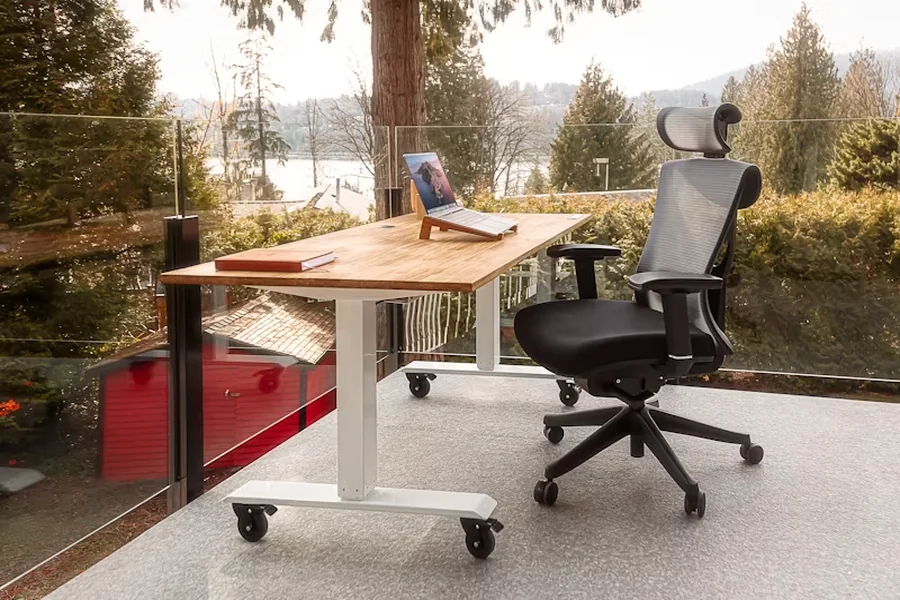
Finally, the introduction of sit-stand desks has gained popularity as an ergonomic solution, providing the ability to alternate between sitting and standing. This transition can reduce the risk of ailments associated with prolonged sitting. However, improper use of these desks can still contribute to discomfort if not adjusted correctly. Pay attention to ensuring that these desks are set at appropriate heights, mirroring an optimal sitting arrangement to support transitions between sitting and standing throughout the day.
By identifying these signs of poor desk ergonomics, individuals can make informed adjustments to improve their work environment significantly. Implementing changes such as these not only enhances comfort but also contributes to overall health and productivity. Regularly reassessing your workstation setup is essential, as ergonomic needs may change over time due to different tasks or equipment. Taking short movement breaks and stretching throughout the day can further complement the benefits of a well-designed ergonomic workspace, helping to reduce fatigue and maintain focus.